

Brand Images
Access a library of your approved brand images.
- In the creative kit tab, navigate to the image’s icon.
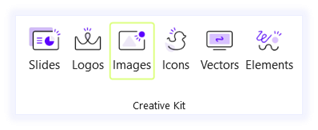
- Navigate to the brand images tab in the side pane.
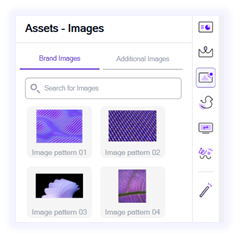
- On hover, you can choose between:
- Preview: display the asset in a larger size
- Insert: Insert the asset directly into your slide
Additional Images
Access a library of additional images offered by Wizardly. (Integrated with Unsplash)
- In the creative kit tab, navigate to the image’s icon.
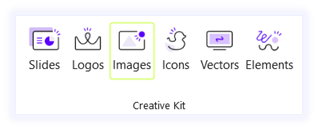
- Navigate to the additional images tab in the side pane.
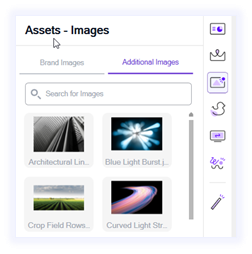
- On hover, you can choose between:
- Preview: display the asset in a larger size
- Insert: Insert the asset directly into your slide
- Wizardly integrates with third-party sources such as Unsplash to provide users with a wider range of assets. Please note that Wizardly is not responsible for the content provided by these third-party services. All assets obtained through this integration are governed by the respective third-party’s terms and conditions.